> ## Documentation Index
> Fetch the complete documentation index at: https://docs.mspilot.io/llms.txt
> Use this file to discover all available pages before exploring further.
# Level
> Sync devices into your clients.
Connect Level with a **Read and write** API key. MSPilot uses it to sync computers into your workspaces, and later to deploy the enroll script from Level.
You need a Level administrator account.
## Create an API key in Level
1. In Level, open the sidebar and go to **Settings → API keys**. If you're already signed in, you can also open [API keys](https://app.level.io/api-keys).
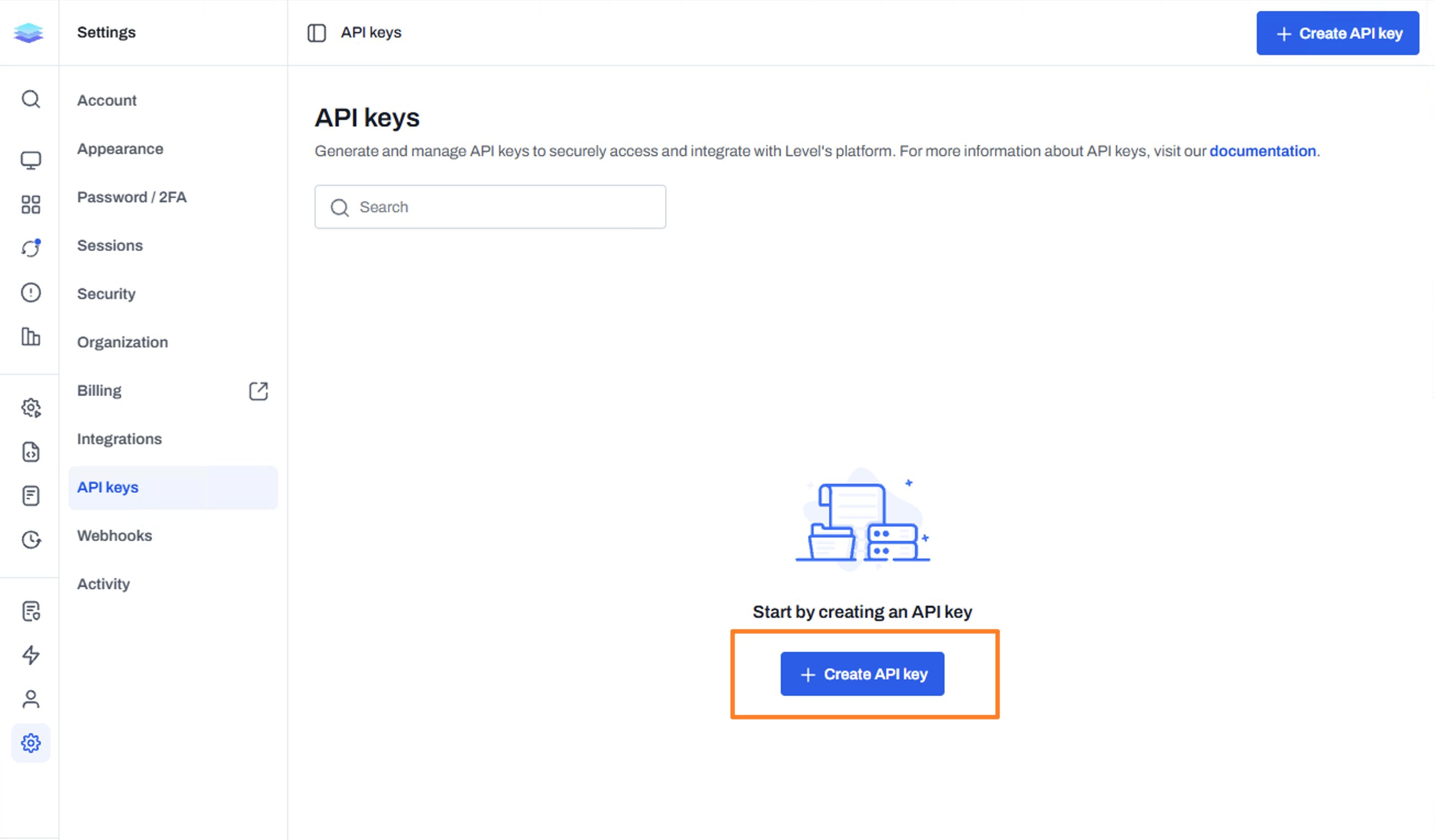
2. Click **Create API key**.
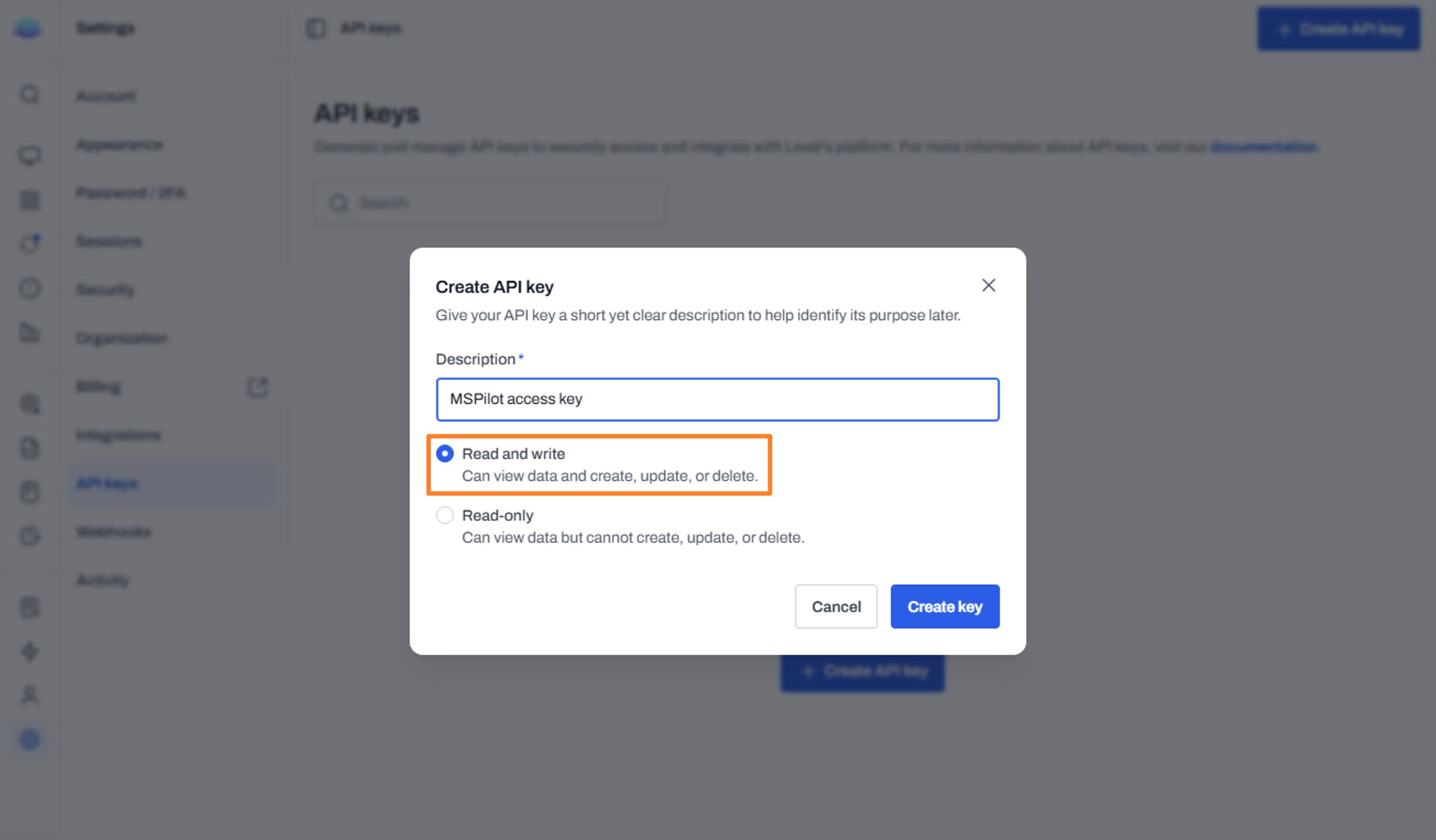
 3. Add a description you'll recognize later, such as `MSPilot`. Select **Read and write**, then click **Create key**. Read-only keys can list devices, but they can't deploy the enroll script.
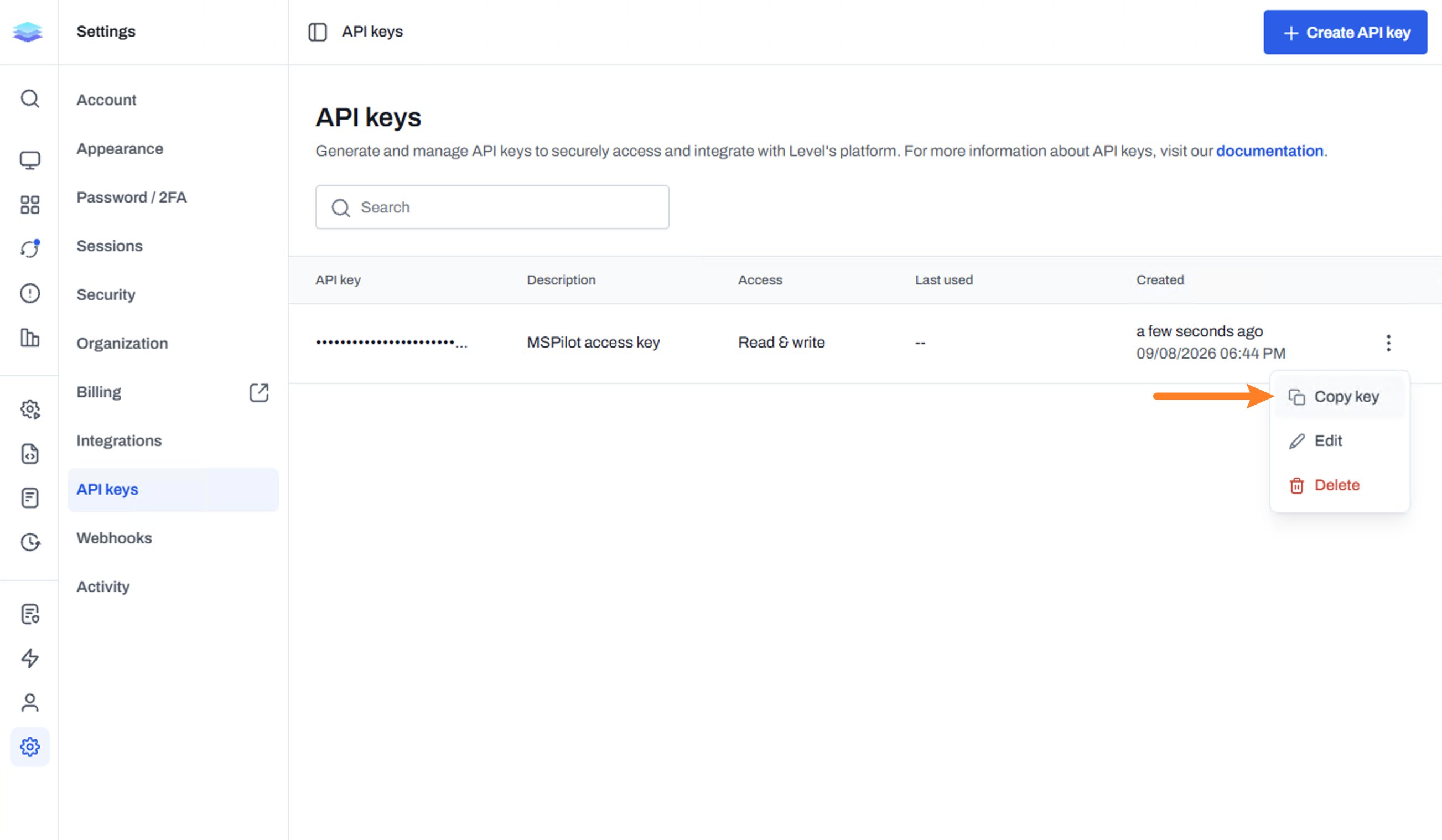
 4. Copy the key.
 ## Connect Level
1. In MSPilot, open **Integrations** and choose **Level**.
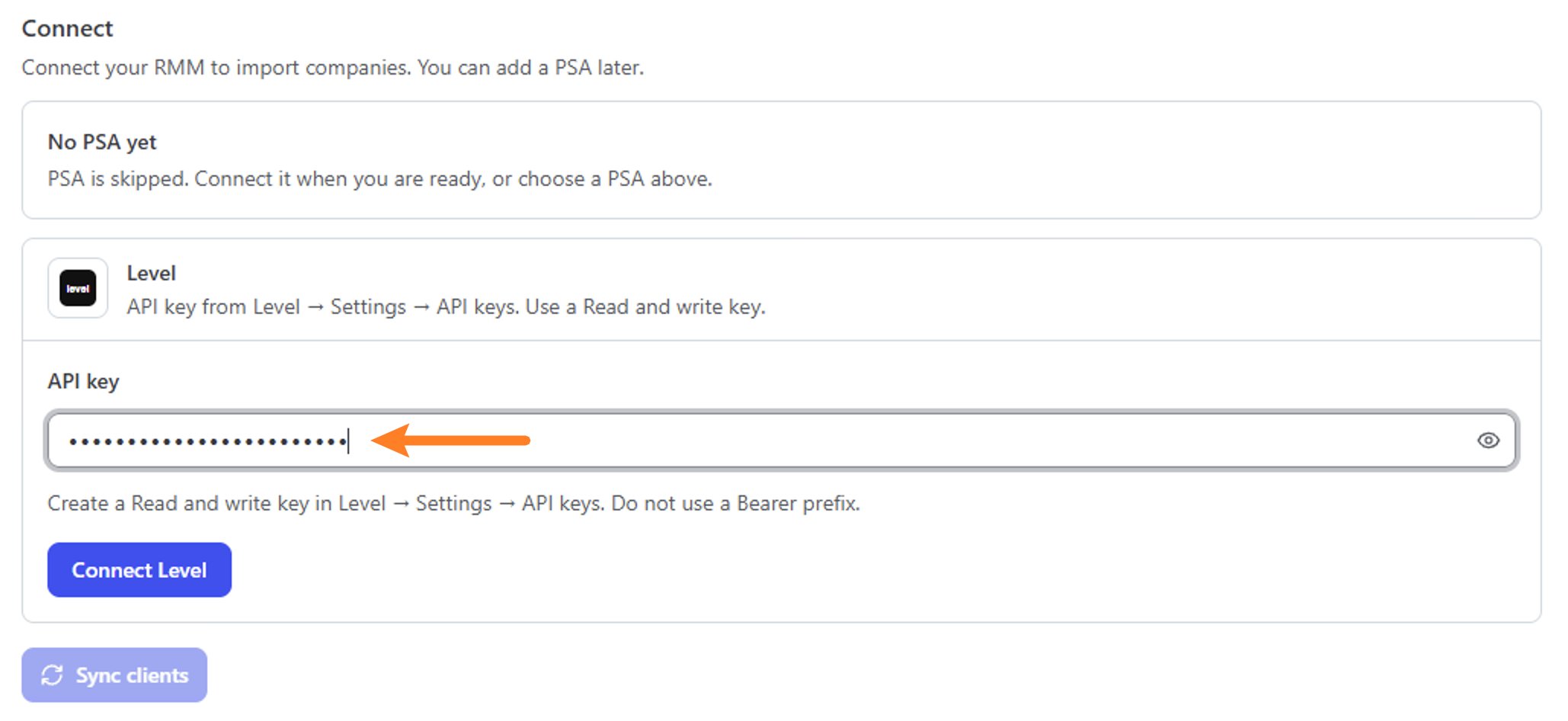
2. Paste the key into **API key**.
3. Click **Connect Level**.
## Connect Level
1. In MSPilot, open **Integrations** and choose **Level**.
2. Paste the key into **API key**.
3. Click **Connect Level**.
 ## After you connect
MSPilot starts syncing computers from Level.
* If you skipped a PSA, top-level Level groups are imported as clients first. Computers then land in those workspaces.
* If clients already came from a PSA, map each top-level Level group to a client so devices go to the right workspace.
Each Level group can map to only one client.
## After you connect
MSPilot starts syncing computers from Level.
* If you skipped a PSA, top-level Level groups are imported as clients first. Computers then land in those workspaces.
* If clients already came from a PSA, map each top-level Level group to a client so devices go to the right workspace.
Each Level group can map to only one client.